Is a 2×2 ID picture the same as a DFA passport photo?
Usually no. Many IDs use 2×2 inches. DFA passport photos are commonly 4.5×3.5 cm (35×45 mm). Prepare the size printed on your appointment slip.
Philippine documents do not all use the same size. DFA passport photos are commonly 4.5×3.5 cm (35×45 mm). NBI clearance, PRC, postal ID, and many local IDs still ask for a 2×2 inch colour photo. Print several copies on one 4R (4×6 in) sheet.
Requirements differ by office and can change. Use this as a size and layout guide, then follow the instruction sheet you were given.
Do not submit a 2×2 print when the DFA asked for 4.5×3.5 cm, or the reverse. Prepare two crops from the same portrait if you need both a passport and an NBI photo.
Photo shops in the Philippines often print a 4R sheet filled with 2×2 pictures. That is the same idea as AI Images Studio’s 4R print sheet: one file, several copies, cut after printing.
A 4R sheet is paper size — not the ID specification. Each cut-out must still be 2×2 inches or 35×45 mm, whichever your office listed.
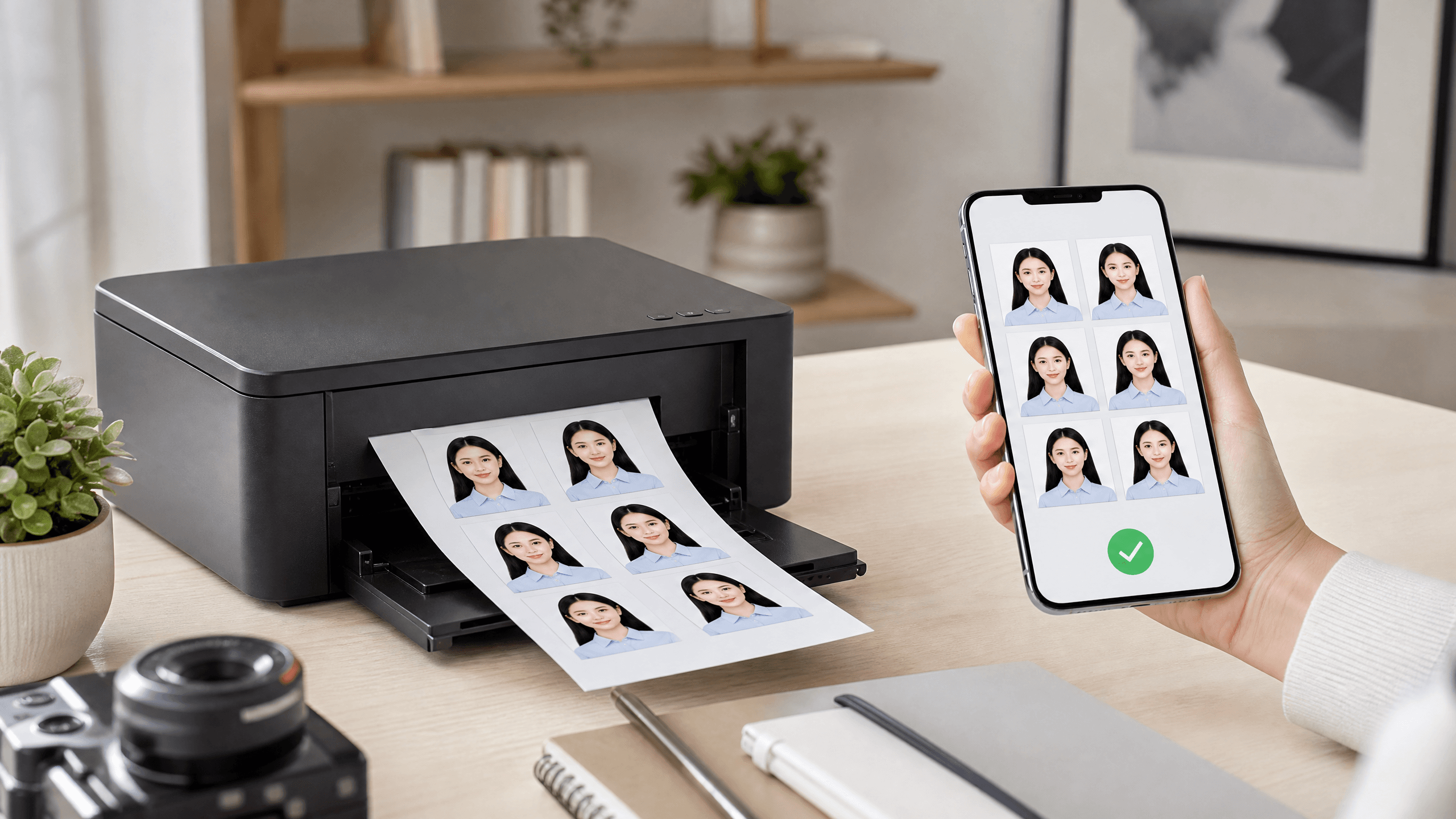
Note 2×2 inches versus 4.5×3.5 cm before you crop.
Front light, eye-level camera, white or light wall.
2×2 inches for NBI/PRC/postal ID, or 35×45 mm for a typical DFA passport photo.
Download a 4R sheet with several copies for the photo shop or a home printer.
Measure one print with a ruler before you submit the set.
AI Images Studio does not guarantee DFA, NBI, PRC, or PHLPost acceptance. Some sites still require you to have the photo taken on-site. Bring a compliant print only when the office allows it.
Usually no. Many IDs use 2×2 inches. DFA passport photos are commonly 4.5×3.5 cm (35×45 mm). Prepare the size printed on your appointment slip.
4R is a 4×6 inch print. A grid layout places several identical 2×2 or passport photos on that sheet so you cut them after printing — the usual photo-shop format in the Philippines.
If both ask for a recent 2×2 colour photo with a white background, one crop can serve both. Always check each agency’s latest clothing and glasses rules.
Yes for the source portrait. Use even light and a plain wall, then crop to 2×2 or 35×45 mm and print on 4R.
Upload a portrait, pick the size your office listed, and download a print-ready 4R grid.